
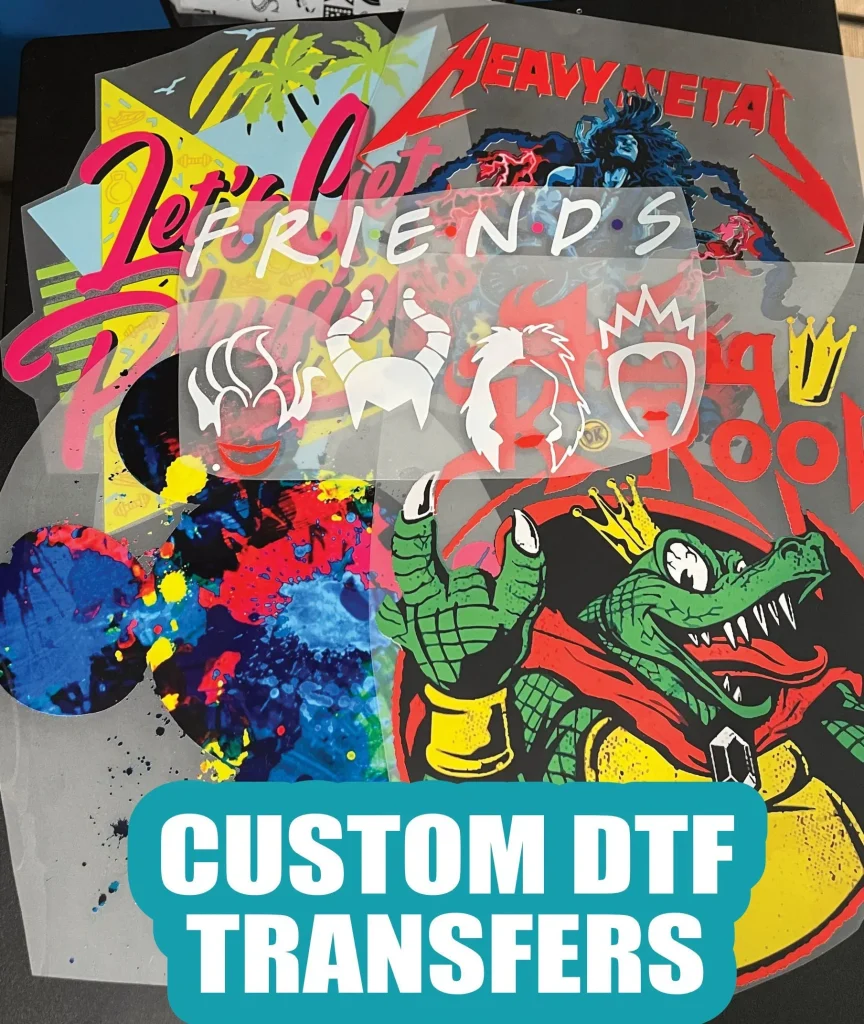
DTF transfers, or Direct to Film transfers, are revolutionizing the garment printing industry with their ability to produce high-quality and vibrant prints. However, anyone venturing into this innovative printing technique may encounter challenges, such as DTF print adhesion issues, which can hinder overall productivity. Troubleshooting DTF printing problems effectively is essential to ensure that your prints adhere correctly and achieve the desired color fidelity. In this guide, we’ll delve into common DTF transfer issues, providing expert tips on addressing everything from inadequate adhesion to color problems in DTF transfers. Whether you’re facing DTF prints not adhering properly or need DTF print adhesion tips, our insights will help you navigate these obstacles with confidence.
Direct to Film technology, commonly referred to as DTF printing, has emerged as a preferred method for transferring designs onto fabrics due to its versatility and efficiency. As with any advanced printing process, users may encounter various challenges, including complications with the adherence of prints or discrepancies in color output. Understanding these issues, often classified as DTF transfer difficulties, is vital for achieving high-quality results. This article will explore the nuances of DTF printing, offering practical solutions and troubleshooting tactics to enhance your printing experience and ensure that each transfer aligns perfectly with your creative vision.
Understanding DTF Transfer Processes
DTF transfers (Direct to Film) are a revolutionary method in garment printing that has transformed the industry with its ease and efficiency. This process involves printing vibrant designs directly onto a specialized film, applying an adhesive, and then using a heat press to transfer the image onto the fabric. One of the key advantages of DTF transfers is their ability to adhere to a variety of fabric types, including cotton, polyester, and blends, which broadens their utility for custom apparel and promotional items.
However, to achieve the high-quality results that DTF printing promises, it’s crucial to have a solid grasp of the DTF transfer processes. Properly understanding how factors such as ink quality, printer settings, and substrate types can impact the transfer can prevent common DTF transfer issues. Whether it’s adjusting the heat pressure or preheating the material, knowing the nuances of the process can significantly reduce the likelihood of challenges during production.
Troubleshooting Inadequate Adhesion
Inadequate adhesion is one of the most prevalent challenges faced by those working with DTF transfers. This issue manifests when the printed design does not successfully bond to the desired fabric, leading to peeling or flaking post-application. Common causes of this problem can include incorrect temperature settings on the heat press, insufficient pressure, or unclean substrates. To address these challenges, adjusting the temperature and pressure settings is vital, as these factors directly affect the adhesive’s performance during the transfer process.
Ensuring a clean and properly prepared substrate is equally important in overcoming adhesion issues. Any dust, moisture, or oil residue can hinder the adhesive’s ability to bond the print effectively. Therefore, it’s recommended to clean the application surface thoroughly before beginning the transfer, which can significantly improve adhesion rates. Additionally, conducting test applications on similar fabric types can help optimize the heat press settings for better results.
Solutions for DTF Transfer Issues in Color Printing: Tips for Vibrant Results
Color washout after a DTF print transfer can be frustrating, especially when vibrant designs are expected. This problem typically stems from improperly calibrated printers or using unsuitable ICC profiles for the transfer media. Calibration ensures that the printer output matches the intended design colors, preventing disappointing results. By regularly calibrating your printer, and using specifically designed profiles for DTF applications, you can maintain the quality and integrity of colors throughout the printing process.
In addition to calibration, be mindful of the type of inks you are using for DTF printing. High-quality inks, that are designed for DTF transfers, will yield brighter, more vibrant colors and help prevent color problems during the transfer. Adjusting the saturation and contrast settings in your RIP software can further enhance the vibrancy of your colors, ensuring that your final product meets your expectations. Always do a test print before commencing a larger batch to confirm that colors reproduce accurately.
Preventing DTF Print Smudging and Blurring
Ink smudging and blurring are significant issues that can damage the appearance of DTF prints, often leading to dissatisfaction from customers. This issue arises when there is insufficient drying time before heat application, or when the printer heads are clogged and not functioning correctly. Ensuring that your DTF films are entirely dry before applying heat can save your prints from these potential issues, preserving the clarity and precision of the design.
Regular maintenance of your printer, including cleaning printer heads and checking ink flow, is essential in preventing smudging. Using high-quality, compatible inks also plays a crucial role in achieving clean prints. Don’t overlook the importance of setting the printer to the optimal print quality, as this can significantly impact the sharpness and detail of your designs. By implementing these practices, you can minimize the risk of smudging and ensure high-quality output when using DTF transfers.
Resolving Film Clogging and Streaking
Film clogging can disrupt the printing process, leading to uneven prints and streaks that compromise the final product quality. Clogging often results from dried ink in the print heads or the use of low-quality inks. To avoid such issues, conduct regular maintenance on your printing equipment, ensuring the print heads are clean and devoid of dried ink. Setting your printer to perform automatic cleaning cycles can also help reduce the risk of clogs.
Choosing high-quality inks that are specifically formulated for DTF printing greatly reduces the likelihood of clogging. If issues persist, consider using a clog-proof ink system or filters that help eliminate larger particles from the ink flow. Regularly updating printer drivers and software is also beneficial in preventing inconsistencies in print quality. In addressing film clogging effectively, you can maintain optimal printing conditions and achieve seamless DTF transfers.
Tips for Correct Temperature Settings
Incorrect temperature settings during the DTF transfer process can lead to unsatisfactory curing, resulting in poor adherence and subpar print quality. Ensuring that your heat press is set to the manufacturer’s recommended temperatures is crucial. Regular calibration of your heat press will help maintain consistency, preventing issues such as color fading or inadequate fusion of the printed design to the fabric.
To further safeguard against incorrect temperature settings, invest in a reliable heat press thermometer that allows you to verify actual temperature levels. Additionally, conducting test transfers before applying to larger batches can help fine-tune the timing and temperature of your heat press to achieve the best results. By prioritizing temperature control, you can avoid common problems associated with DTF printing and enhance the quality of your final products.
Frequently Asked Questions
What should I do if my DTF prints are not adhering properly?
If your DTF prints are not adhering, first check the temperature and pressure settings on your heat press. Preheat the substrate to improve adhesion and ensure the transfer film is aligned correctly. Conduct a test run on similar materials to find the optimal settings.
How can I troubleshoot color problems in DTF transfers?
To troubleshoot color problems in DTF transfers, regularly calibrate your printer and use ICC profiles that match your DTF media. Adjust the color settings in your RIP software to enhance vibrancy, ensuring the output matches your design expectations.
What causes DTF transfer issues with ink smudging or blurring?
DTF transfer issues such as ink smudging or blurring often stem from using low-quality inks or improper printer settings. Ensure you use high-quality inks, allow the film to dry completely, and clean your printer heads regularly to maintain print clarity.
Why am I experiencing bubbling under my DTF transfer film?
Bubbling under the DTF transfer film usually occurs due to air pockets between the film and substrate. To prevent this, clean the substrate thoroughly before application and use a squeegee to eliminate any trapped air during the transfer process.
How can I fix DTF print adhesion problems?
To fix DTF print adhesion problems, verify that your heat press’s temperature and pressure are set according to manufacturer recommendations. Make sure the substrate is preheated and consider adjusting the pressing time to achieve better adhesion.
What maintenance can prevent film clogging in DTF printing?
To prevent film clogging in DTF printing, perform regular maintenance by cleaning print heads and using high-quality inks that minimize clogging. Regular maintenance ensures smoother printing and reduces the chance of streaks or incomplete prints.
| Key Issue | Description | Solution |
|---|---|---|
| Inadequate Adhesion | Print fails to bond properly to the substrate. | Adjust temperature and pressure settings, preheat the substrate, and align the transfer film. |
| Ink Smudging or Blurring | Affects readability and visual appeal of the print. | Use high-quality inks, allow the film to dry completely, and regularly clean printer heads. |
| Color Issues | Colors may seem washed out or not true to design. | Calibrate the printer regularly and use appropriate ICC profiles. |
| Film Clogging | Leads to incomplete or streaky prints. | Perform regular maintenance and use quality inks that reduce clogging. |
| Bubbling Under the Film | Air bubbles create an uneven application. | Clean the substrate and use a squeegee to eliminate air pockets. |
| Incorrect Temperature Settings | Poor curing of transfers due to wrong settings. | Check heat press settings and ensure it’s calibrated correctly. |
Summary
DTF Transfers have become a popular method in the garment printing industry due to their efficiency and color vibrancy. However, like any printing method, they present unique challenges that can affect print quality. Understanding how to troubleshoot common issues like inadequate adhesion, ink smudging, and color inaccuracies is vital for achieving optimal results. By implementing expert tips such as using high-quality materials, regular equipment maintenance, and precise temperature calibration, you can significantly improve your DTF transfer outcomes. Embracing these practices not only elevates print quality but also enhances the overall user experience.